Introduction
Staqman lets you spin up multiple full tech stacks in seconds with less resources and true container isolation. Eliminate hours of manual configuration. With pre-configured, optimized stacks, you can focus on writing code immediately.
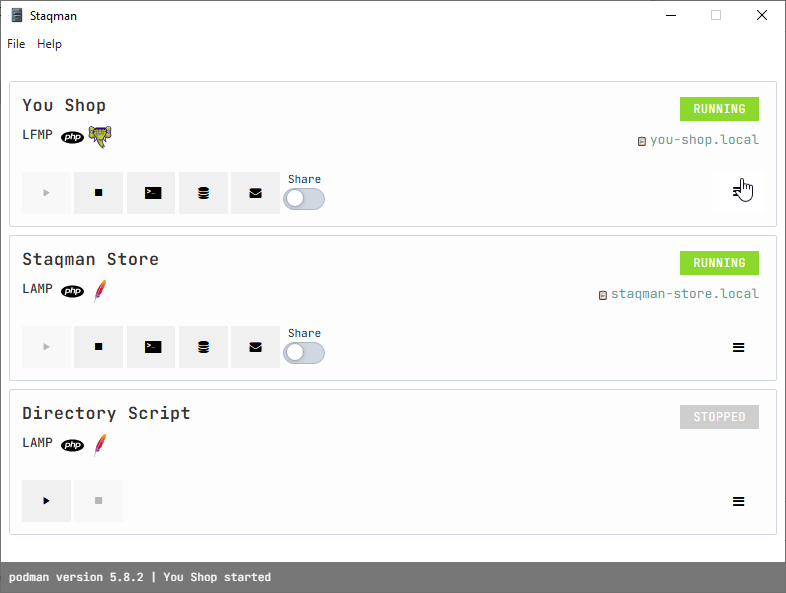
Installation
Download and run the installer to begin the automated setup. Once the process is complete, the application will launch automatically. For future use, you can quickly access it via the desktop shortcut or the Start Menu.
Staqman supports both Docker and Podman, automatically detecting your preferred engine. In the absence of a container runtime, Staqman offers a seamless, automated installation of Podman to get you started.
Debugging
VS Code
Staqman PHP stacks all have XDebug enabled by default.
Add the entry below to your launch.json file, then run the debugger or press F5
"configurations": [
  ...,
  {
      "name": "Listen for Xdebug on Staqman",
      "type": "php",
      "request": "launch",
      "port": 9003,
      "xdebugSettings": {
          "max_data": -1
      },
      "pathMappings": {
          "/var/www/html": "${workspaceFolder}"
      },
  },
  ...
]